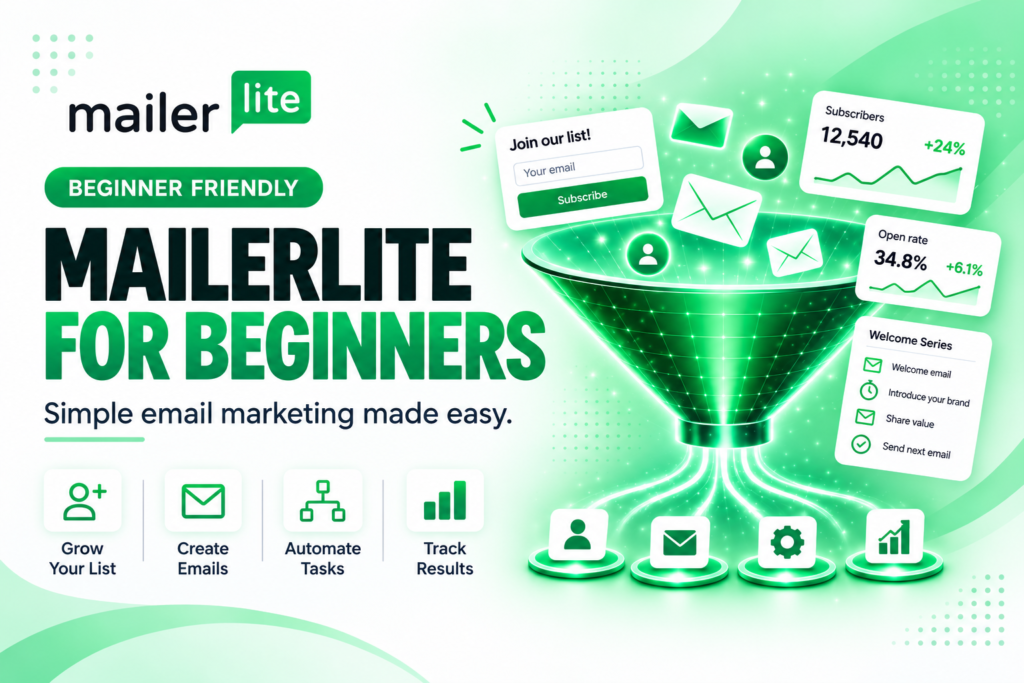
Email marketing can be one of the best ways to stay connected with your audience, but getting started can feel overwhelming. Between creating newsletters, collecting subscribers, building signup forms, and figuring out automations, there’s a lot to learn.
MailerLite for beginners makes email marketing easier by bringing many of those tools together in one simple platform. You can create emails, grow your subscriber list, build landing pages, and automate messages without needing advanced marketing or technical skills.
At AI Creator Toolkit, my goal is to cut through the confusion by recommending beginner-friendly tools that help you save time, simplify your workflow, and grow with confidence.
What Is MailerLite?
MailerLite is an email marketing platform designed to help businesses and creators communicate with their audience and grow their email list.
Instead of using several different tools, MailerLite lets you create email campaigns, collect subscribers through signup forms, build landing pages, organize your audience, and create automated email sequences from a single platform.
Its drag-and-drop email editor also lets you build newsletters with customizable content blocks without needing to know how to code.
For beginners, that means you can spend less time trying to understand complicated software and more time communicating with your audience.
Who Should Use MailerLite?
MailerLite can be a good option for:
- Small business owners
- Bloggers
- Content creators
- Affiliate marketers
- Coaches and consultants
- Online entrepreneurs
- Authors
- Anyone starting an email list for the first time
If you want a simple way to stay connected with your audience without learning complicated email marketing software, MailerLite is worth exploring.
Best Ways to Use MailerLite
Email marketing is about more than sending an occasional newsletter. When used consistently, it can help you build relationships with your audience and give people an easy way to stay connected with your content or business.
You can use MailerLite to:
- Send email newsletters
- Welcome new subscribers
- Create automated email sequences
- Build landing pages
- Create signup forms and pop-ups
- Organize subscribers into groups
- Promote blog posts
- Share products, services, or affiliate recommendations
- Send announcements and updates
- Grow your email list from your website
MailerLite also offers integrations with tools and platforms including WordPress, Canva, Zapier, Shopify, and WooCommerce, which can make it easier to connect email marketing with the tools you already use.
Beginner-Friendly MailerLite Features to Consider
If you’re new to email marketing, you don’t need to learn every MailerLite feature at once. Start with the tools that help you build your list and communicate with your subscribers.
Here are a few beginner-friendly MailerLite features I recommend exploring.
Drag-and-Drop Email Editor
Best for: Creating newsletters without coding.
MailerLite’s drag-and-drop editor lets you build emails using pre-designed content blocks for text, images, buttons, social media, and other elements. You can move sections around and customize them to match your brand without needing advanced design skills.
For beginners, this makes creating a professional-looking newsletter much less intimidating.
Signup Forms
Best for: Growing your email list.
Signup forms allow visitors to join your email list directly from your website.
For example, you could invite readers to subscribe for helpful tips, new blog posts, free resources, or updates from your business.
MailerLite includes tools for creating signup forms and managing the subscribers who join your list.
Landing Pages
Best for: Promoting a free resource, newsletter, product, or offer.
A landing page gives visitors one focused place to take action.
You might create a landing page for a free checklist, downloadable guide, newsletter signup, or special promotion. MailerLite includes a drag-and-drop landing page builder, so you can create pages without needing to build an entirely new website.
Email Automations
Best for: Sending emails automatically.
Automations can save you time by sending certain emails when a subscriber takes an action.
One of the easiest automations for beginners is a welcome email.
Instead of manually emailing every new subscriber, you can create a welcome message once and have MailerLite send it automatically when someone joins your list.
As you become more comfortable, you can build longer sequences for educational content, promotions, webinars, customer follow-ups, and more. MailerLite provides a visual drag-and-drop automation builder and automation templates to help simplify the process.
If you also need help creating content for your emails, check out my Best AI Writing Tools for Beginners guide.
Is MailerLite Free?
MailerLite currently offers a free plan for people who are just getting started.
As of September 2026, the Free plan supports up to 250 subscribers and 2,500 email sends per month. It also includes email campaigns, three active automations, one website with up to 5 pages, one landing page, and up to three signup forms.
New MailerLite accounts currently begin with a 14-day trial of advanced features. If you don’t upgrade, the account will remain on the Free plan.
That makes it possible to begin learning email marketing and building your list before moving into a paid plan.
Because email marketing plans and pricing can change, I always recommend checking MailerLite’s website for the most current features and limits before signing up.
Getting Started With MailerLite for Beginners
If you’re new to email marketing, keep your first setup simple. One of the biggest advantages of MailerLite for beginners is that you can start with the basics and add more features as your email list grows.
You don’t need a complicated funnel or a long automated email sequence to begin.
Start by:
- Creating your MailerLite account
- Setting up your subscriber list
- Adding a signup form to your website
- Creating a simple welcome email
- Sending your first newsletter
Once those basics are working, you can begin exploring landing pages, additional automations, audience groups, and other features.
The goal is not to build everything at once. The goal is to create a simple system you can actually use consistently.
My Beginner Recommendation
MailerLite for beginners is a practical option if you want to start building an email list without learning complicated marketing software.
If you’re starting your first email list, MailerLite is one of the email marketing platforms I recommend exploring.
What makes it especially appealing for beginners is that you can start with the basics—collecting subscribers and sending newsletters—and gradually add features such as landing pages and automations as your confidence grows.
You don’t need to understand advanced email marketing on day one.
Start with a signup form, create a welcome email, and send useful content to your subscribers. Then build from there.
For anyone just starting out, MailerLite for beginners offers a simple way to learn email marketing one step at a time.
Final Thoughts
Overall, MailerLite for beginners offers a simple way to get started with email marketing without needing advanced technical skills. Building an email list can feel intimidating at first, but the right tool can make the process much easier and help you grow with confidence.
MailerLite brings email campaigns, signup forms, landing pages, subscriber management, and automation tools together in one platform, giving beginners room to start simple and grow over time.
The key is not to create the perfect email marketing system from the beginning.
Start by building your list. Send helpful emails. Learn what your audience responds to. Then add more features as your needs grow.
With the right tools and a little consistency, email marketing can become a simple and valuable part of growing your online business.
Recommended Resources
- MailerLite – View plans and get started with email marketing
- MailerLite Help Center – Tutorials and step-by-step guidance for getting started
- Canva – Create graphics and images for your email newsletters